

UK VPN Router Guide
UK locations, BBC iPlayer, Smart TVs, streaming devices, and common home-network setups.
UK guide →Choose a US, UK, Canada, UAE, or other VPN location, then connect the Smart TVs, streaming devices, travel networks, and home devices that need it through a FlashRouter.
Streaming availability and VPN compatibility can vary by service, provider, region, and router configuration.
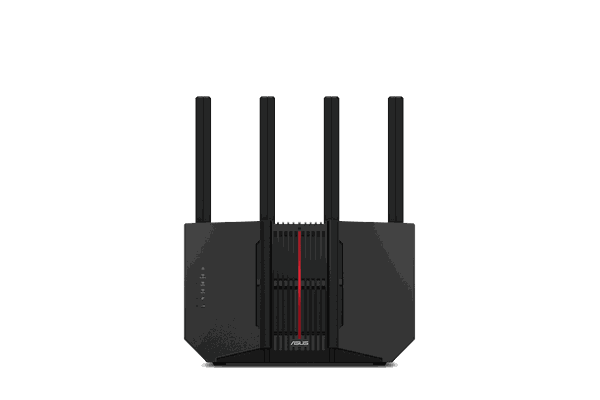
Start with the country or VPN location. From there, use the guide for regional streaming, travel, home-network setup, and the devices that need that location.
Start with the location you need. Each guide connects that country to the streaming, travel, device, and network questions that come with it.
UK locations, BBC iPlayer, Smart TVs, streaming devices, and common home-network setups.
UK guide →Travel, home internet, streaming devices, and using a router-compatible VPN location from the UAE.
UAE guide →Use US or other VPN locations from Canada on Smart TVs, streaming boxes, travel networks, and home Wi-Fi.
Canada guide →Your VPN provider supplies the location. The FlashRouter turns that connection into a network that TVs, streaming devices, travel gear, and home devices can use.
Privacy Hero 2 is a strong starting point when you want location and device controls in one router interface.
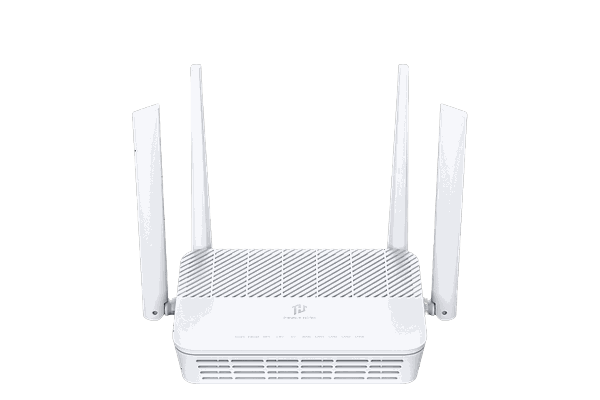
Use Privacy Hero 2 to manage router-level VPN connections and device behavior from the network instead of configuring each screen individually.
Tri-band WiFi 7 FlashRouter for larger homes, heavier device loads, streaming, gaming, and router-level VPN.
View router →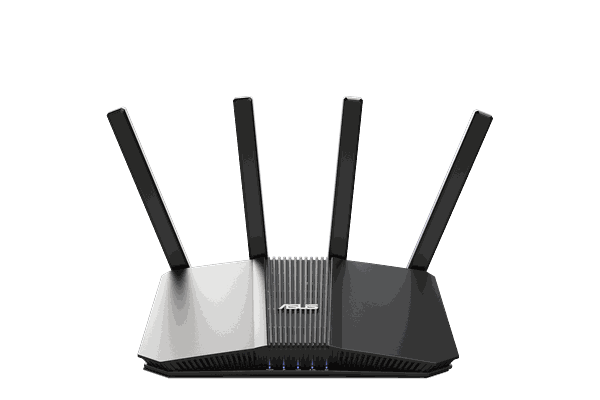
WiFi 7 FlashRouter that balances modern home Wi-Fi, connected-device coverage, and router-level VPN.
View router →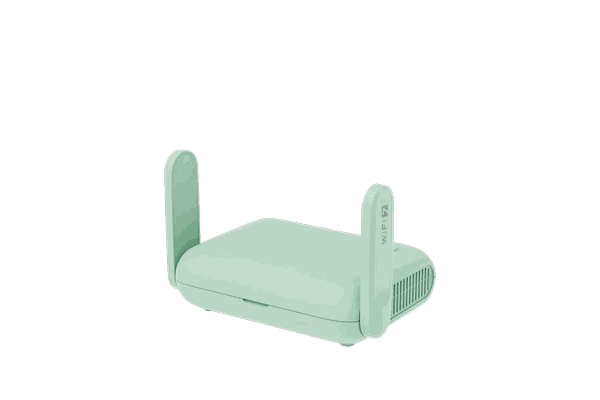
Portable WiFi 7 travel router for hotels, rentals, shared Wi-Fi, streaming devices, and router-level VPN.
View router →Choose the location, connect the router, then put the right devices on that network.
Pick the country offered by your router-compatible VPN provider.
Run that VPN connection on the FlashRouter.
Join the screens or devices that need that location to the router network.
Use these guides only when the service, device, country, or network question needs more detail.
Straight answers to the questions support sees most often.
The country is selected through your router-compatible VPN provider or VPN profile. The router then carries that connection to the devices using its VPN network.
Yes, when your provider supports a router-compatible setup such as a supported integration, OpenVPN, or WireGuard.
Yes on supported router setups. You can keep selected devices on the regular internet connection while other devices use the VPN connection.
No. Streaming availability can change by service, account, VPN provider, server, region, and configuration. The router provides the network connection; it does not control a streaming service's access policies.
Choose the country first, then match the router to your home, travel, streaming, and device needs.
