


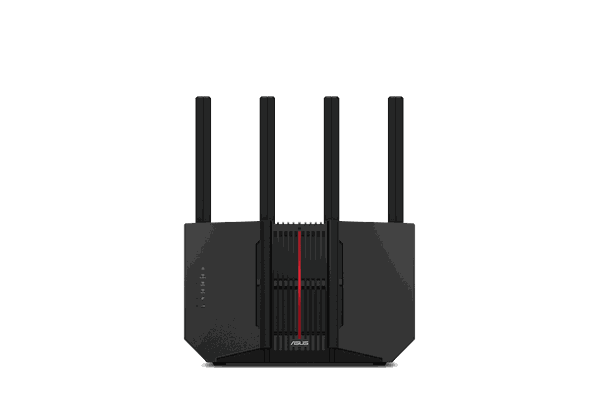
Asus RT-BE92U BE9700 Tri-Band WiFi 7 AsusWRT FlashRouter
Tri-band Wi-Fi 7, 6 GHz, multi-gig ports, and ASUS VPN routing for busy homes.
BE92U details and setupBest Sellers
Compare top ASUS Wi-Fi 7 models for speed, mesh coverage, and your preferred VPN provider.
Tri-band Wi-Fi 7, 6 GHz, multi-gig ports, and ASUS VPN routing for busy homes.
BE92U details and setup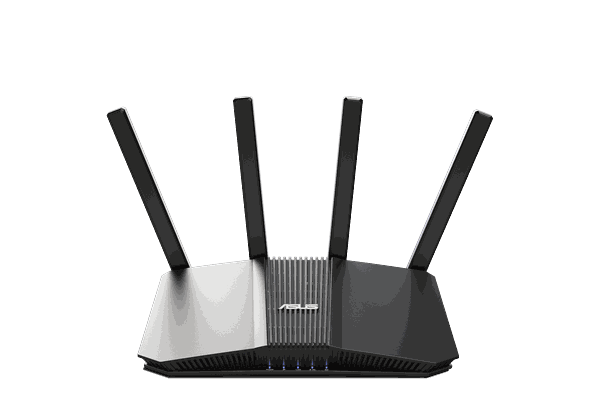
A simpler ASUS Wi-Fi 7 upgrade for everyday VPN-ready home networks.
BE58U details and setup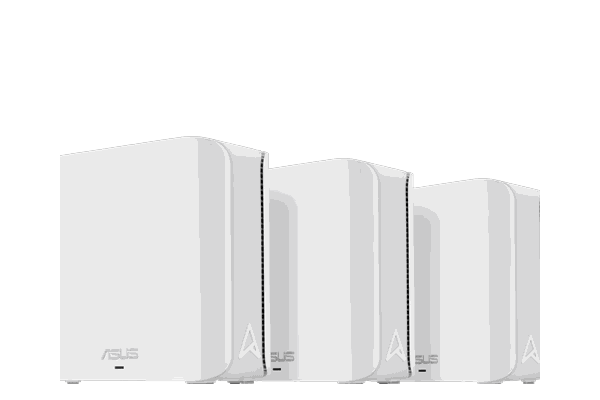
Three-node mesh coverage for larger spaces and compatible VPN setup options.
Mesh system details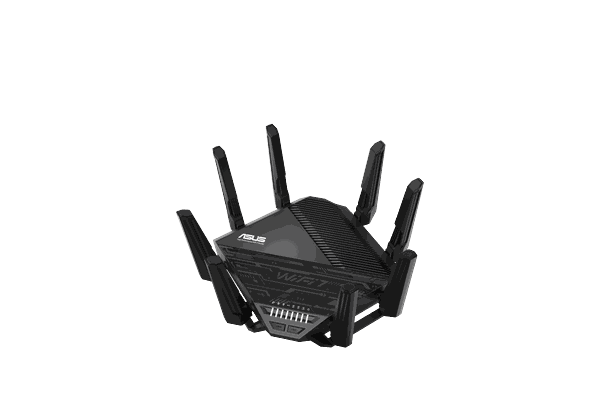
High-end tri-band Wi-Fi 7 and multi-gig headroom for demanding networks.
BE96U details and setupShop by VPN
Already have a VPN subscription? Browse compatible router options and setup guidance by provider.
NordLynx and OpenVPN options
Start with Privacy Hero 2 for integrated NordLynx and cloud controls, or compare compatible ASUS and other VPN routers.
Compare NordVPN RoutersRouter setup options
Compare compatible router models and setup options for an existing ExpressVPN subscription. Protocol support varies by model.
Compare ExpressVPN RoutersWireGuard and OpenVPN options
Explore Surfshark-compatible hardware for shared home devices and choose the router setup that fits your network.
Compare Surfshark RoutersChoose your path
Choose the route that matches your setup: an all-new router, a streaming device, advanced ASUS firmware, or a router you already own.
How it works
Choose the hardware and level of setup help you want. The router handles the connection after that.
Use the quiz or compare models by internet speed, home coverage, and connected devices.
Follow the model-specific guide or choose eligible VPN configuration help at checkout.
Connect the router to your modem or ISP gateway, then complete its activation or VPN sign-in.
Connect your devices and choose VPN routing for supported models and plans.
Router-Level VPN
A router VPN can cover compatible smart TVs, streaming boxes, consoles, and other devices on its network. Use the device and streaming guides to choose a setup that fits.
Popular questions
Compare routers, firmware, and setup paths before deciding how to protect your home network.
FAQ
Straight answers to what most people ask before ordering.
Devices connected to the VPN router can use its VPN connection when VPN routing is enabled. Your setup can also keep selected devices on the regular connection. How VPN routers work →
Most models require a separate compatible VPN subscription. Privacy Hero 2 NordVPN Edition includes 2 years of NordVPN Standard and 1 year of Privacy Hero Premium. Check the product page for activation and renewal terms.
VPN encryption can reduce speed. Actual throughput depends on your ISP, router, protocol, and server distance. Compare hardware for your internet plan or take the router quiz.
Setup varies by model. Privacy Hero 2 uses its cloud dashboard and activation flow; other compatible routers can use model-specific guides or eligible configuration services. Compare setup options.
Many models support more than one compatible VPN provider, but the available protocols and setup steps vary by hardware and service. Check the provider and product pages before switching.
A compatible smart TV, streaming box, or console can use a router-level VPN when connected to that router and VPN routing is enabled. Browse streaming setup guides; service access still depends on your account, region, and provider.
Supported models offer ways to route selected devices through the VPN while others use your regular connection. The exact controls depend on the router and firmware; a dual-router setup is another option.
Our US-based team can help you choose a compatible router and setup. Contact FlashRouters with your ISP, VPN provider, and devices before ordering.