

Smart TV
Keep the BBC iPlayer app on the television and use router-level VPN when the TV setup is limited.
Smart TV guide →Start with BBC iPlayer and a UK VPN location. Then connect the Smart TV, streaming device, home network, or travel setup that needs that UK connection.
VPN and streaming compatibility can vary by provider, service, account, region, device, and router configuration.
The page starts with the service: BBC iPlayer, a UK VPN location, and the screen you want to watch on. Router-level VPN is the delivery method when the device itself is not the best place to manage VPN.
The UK location is only one part of the setup. Use the device or country guide when that is the remaining question.
Keep the BBC iPlayer app on the television and use router-level VPN when the TV setup is limited.
Smart TV guide →Use one router network for Roku, Fire TV, Apple TV, Chromecast, and other TV-connected devices.
Streaming device guide →Use the UK country page for home-network, travel, and wider UK streaming context.
UK country guide →Your VPN provider supplies the UK location. The network makes that connection usable on TVs, streaming boxes, and travel devices.
For a permanent home setup, start with solid Wi-Fi. The ASUS RT-BE58U adds router-level VPN for TVs and streaming devices without making the service page feel like a single-product pitch.
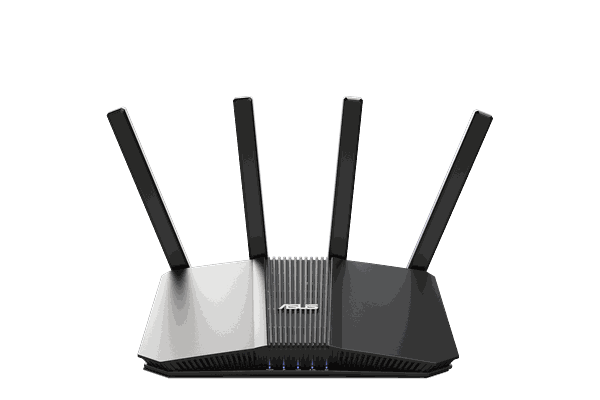
The ASUS RT-BE58U combines modern WiFi 7 with router-level VPN support for TVs, streaming devices, and other household hardware.
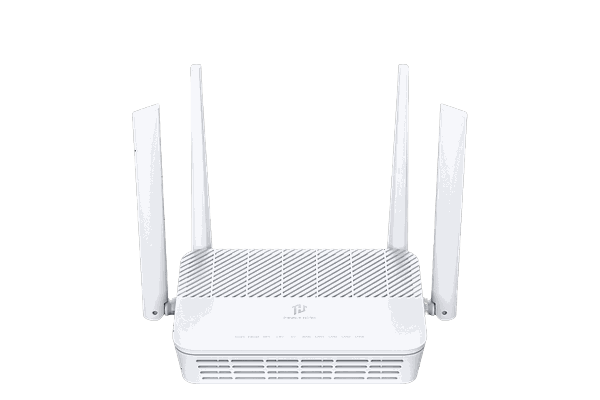
FlashRouters-designed router with cloud management, device controls, security tools, and router-level VPN options.
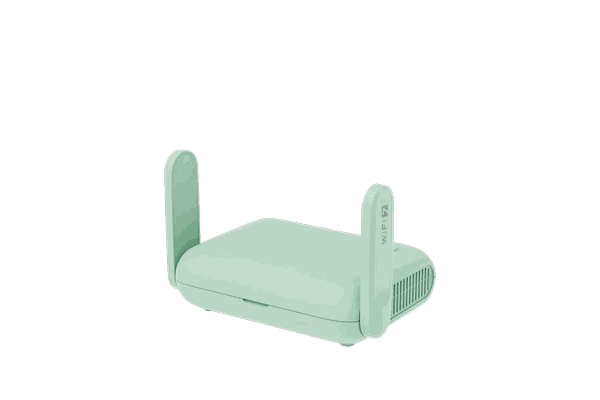
View router →Portable WiFi 7 travel router for hotels, rentals, shared Wi-Fi, streaming devices, and router-level VPN.
View router →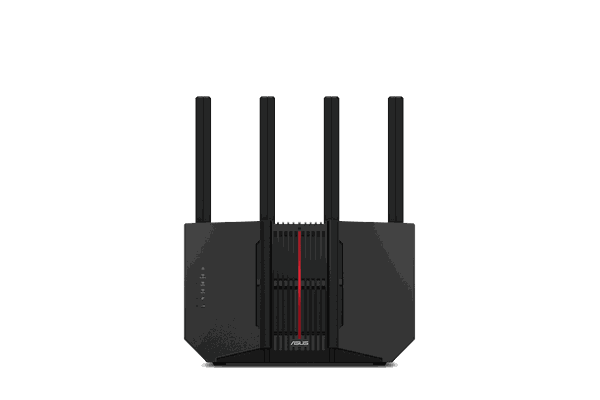
Tri-band WiFi 7 FlashRouter for larger homes, heavier device loads, streaming, gaming, and router-level VPN.
View router →Already have a VPN? Keep it. Need one? These are popular FlashRouters-supported options.
Choose the UK location, connect the network, then open the app.
Connect the router to a UK server or profile from your router-compatible VPN provider.
Join the Smart TV or streaming device to that router network.
Use the BBC iPlayer app and account on the connected device.
Use these links for the related service, device, country, or network setup.
Answers to the questions most relevant to this page.
A UK VPN location is the typical starting point when you need the router connection to appear in the UK. Service access can still vary by account, VPN provider, server, and BBC policies.
Yes. The Smart TV can connect to the router Wi-Fi normally while the router handles the VPN connection underneath.
Yes. A travel router can create a personal VPN network behind hotel, rental, or other shared Wi-Fi.
No. The router provides the VPN network connection, but BBC iPlayer access can vary by account, VPN provider, server, region, and service policy.
Choose the router for home or travel, connect a UK-capable VPN provider, then join the screen.
