

Smart TV
Use the router network when direct VPN setup on the television is limited or inconvenient.
Smart TV guide →Start with Netflix, the screen you watch on, and the location you need. Use router-level VPN when the Smart TV, streaming device, console, or multi-screen household benefits from one network-level setup.
VPN and streaming compatibility can vary by provider, service, account, region, device, and router configuration.
Start with the Netflix use case: which screen, which location, and how many devices are involved. Then choose whether a direct VPN app or router-level VPN is the cleaner setup.
Netflix already has excellent apps. Router-level VPN is useful when the screen, location, or household network is the harder part.
Use the router network when direct VPN setup on the television is limited or inconvenient.
Smart TV guide →Use one router-level network for boxes, sticks, consoles, and TV-connected hardware.
Streaming device guide →Use a country guide when the main question is which VPN location or regional setup you need.
Country guides →Use a direct VPN app when it fits. Use the router when you want one network-level connection for TVs, streaming devices, consoles, or several screens.
For multiple screens, choose the router for Wi-Fi performance first. The ASUS RT-BE92U gives larger homes a stronger tri-band WiFi 7 platform plus router-level VPN.
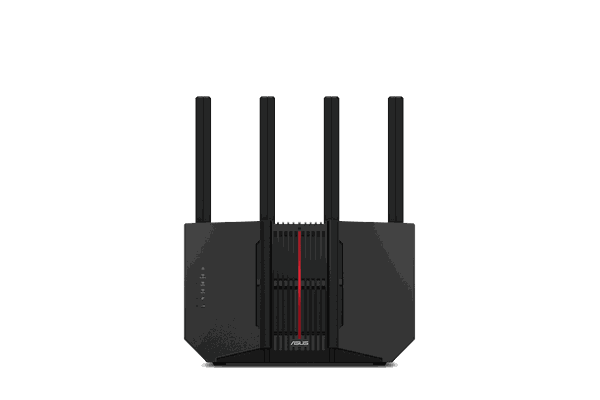
The ASUS RT-BE92U is a high-performance tri-band WiFi 7 option for homes with multiple streaming, gaming, and connected devices.
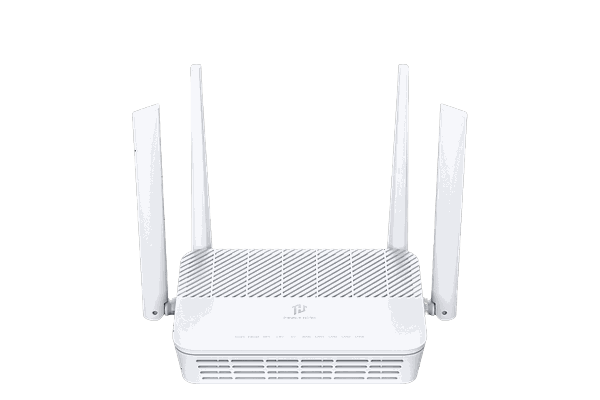
FlashRouters-designed router with cloud management, device controls, security tools, and router-level VPN options.
View router →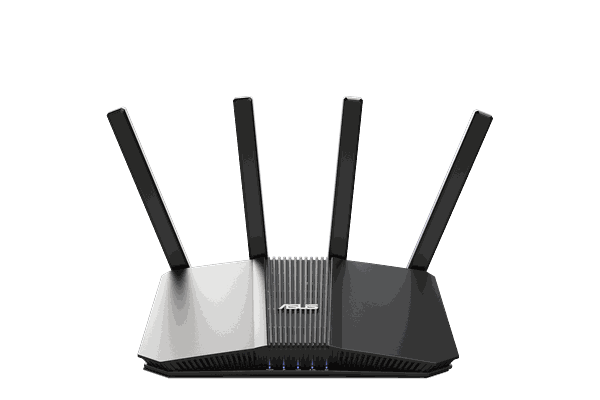
WiFi 7 FlashRouter that balances modern home Wi-Fi, connected-device coverage, and router-level VPN.
View router →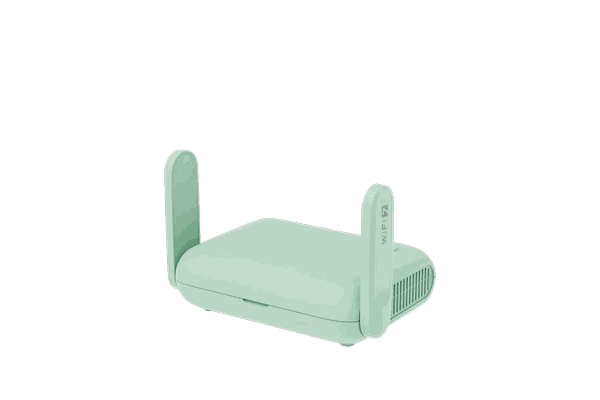
Portable WiFi 7 travel router for hotels, rentals, shared Wi-Fi, streaming devices, and router-level VPN.
View router →Already have a VPN? Keep it. Need one? These are popular FlashRouters-supported options.
Choose the router, connect your VPN, then join the screen.
Match router performance to the home, device count, and streaming load.
Use a router-compatible provider and choose the location you need.
Connect the TV, streamer, console, or other device to that router network.
Use these links for the related service, device, country, or network setup.
Answers to the questions most relevant to this page.
Yes. A device connected to the VPN router network uses that network connection. Netflix availability can still vary by account, VPN provider, server, location, and Netflix policies.
Not necessarily. Use the direct app if it fits your needs. Router-level VPN is useful when you want one network for multiple screens, a device lacks the VPN option you need, or you want consistent home and travel setups.
Yes on supported router setups. Other devices can stay on the regular connection while the TV or streaming device uses VPN.
No. The router provides the VPN network connection; catalog availability depends on Netflix, the account, VPN provider, server, region, and configuration.
Choose the hardware for the home first, then add router-level VPN where the streaming setup benefits from it.
