We use cookies to make your experience better. To comply with the new e-Privacy directive, we need to ask for your consent to set the cookies. Learn more.


Search results for: 'failure to do c'
-
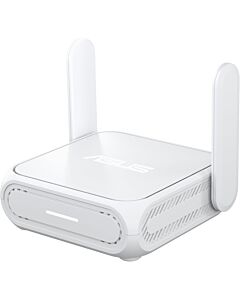 Asus RT-BE58 Go BE3600 Dual-Band Wi-Fi 7 Travel Router by FlashRoutersSpecial Price $189.99 Regular Price $199.99
 -
 Privacy Hero 2 NordVPN Router – 1 YR NordVPN IncludedSpecial Price $139.99 Regular Price $249.99
 -
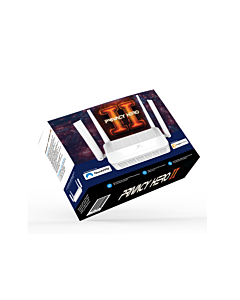 Privacy Hero 2 VPN Router – Supports Multiple VPN ProvidersSpecial Price $119.99 Regular Price $249.99
 -
 GL.iNet Beryl 7 – WiFi 7 Travel FlashRouter with VPNSpecial Price $199.99 Regular Price $279.99
 -
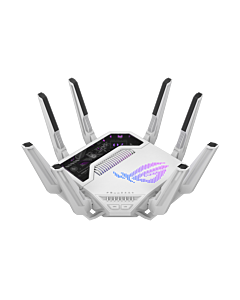 ASUS ROG Rapture GT-BE19000AI Wi-Fi 7, Dual 10G, AI Router by FlashRoutersSpecial Price $769.99 Regular Price $999.99
 -
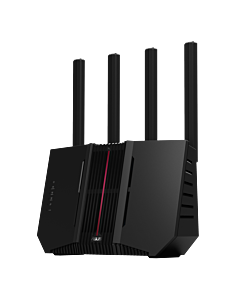 Asus RT-BE92U BE9700 Tri-Band WiFi 7 AsusWRT FlashRouterSpecial Price $299.99 Regular Price $329.99
 -
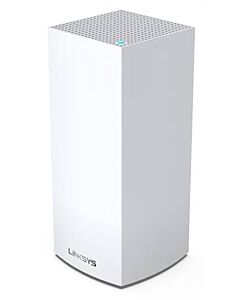 Linksys MX4300 AX4200 Tri-Band WiFi 6 DD-WRT FlashRouterSpecial Price $119.99 Regular Price $149.99
 -
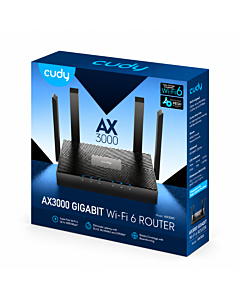 Cudy AX3000 Dual-Band WiFi 6 OpenWRT FlashRouterSpecial Price $89.99 Regular Price $149.99
 -
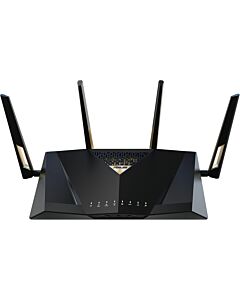 Asus RT-BE88U BE7200 Dual-Band WiFi 7 AsusWRT FlashRouterSpecial Price $359.99 Regular Price $499.99
Support Articles
Blog Articles
-
 What does it mean to “brick” your router with DD-WRT? (and how you can avoid it!)
[vc_row][vc_column][vc_column_text]Are you trying to understand why DD-WRT open-source firmware is superior to default, factory-installed router firmware? Are you worried that as an inexperienced user, you might “brick your router” by attempting to “flash a router” with DD-WRT improperly? If you answered “yes” to either of those questions, then keep reading! While DD-WRT offers incredible upgrades to a consumer class router, the learning curve for DD-WRT installation, or “flashing,” can be steep. If flashed improperly, your router can be rendered useless,...
-
 VPN Connected, but Some Websites Won’t Load? Check the MTU
A VPN can show connected while certain sites stall, logins fail or uploads freeze. Learn how an MTU mismatch creates a selective failure—and how to diagnose it without randomly changing router settings.
-
 Why Old Smart Devices Won’t Connect to a New Wi-Fi 7 Router
A new Wi-Fi 7 router can expose old smart-home limitations. Learn how 2.4 GHz setup, WPA3 compatibility, band steering and network isolation affect older bulbs, plugs, cameras and speakers—and how to reconnect them without weakening the entire network.
-
 Why Router-Level Blocking Sometimes Misses a Browser or Phone
If router-level blocking works everywhere except one browser or phone, encrypted DNS, a device VPN or a privacy relay may be taking a different route.
-
 What Happens When a Router VPN Disconnects?
When a router VPN drops, traffic may fall back through your ISP or stop completely. Learn how kill switches, automatic reconnection and device exceptions determine what happens next.
