

Protocol support varies by firmware
VPN Unlimited offers both WireGuard and OpenVPN manual router configurations, but supported methods differ by firmware. Its current documentation includes OpenWrt, DD-WRT, GL.iNet and Merlin paths.
VPN Unlimited publishes router configuration guides for WireGuard and OpenVPN across OpenWrt, DD-WRT, GL.iNet and AsusWRT-Merlin. The right router depends on which manual configuration you want to use.

The important part is not just whether a VPN service supports a protocol. The router firmware has to support the same setup method.
VPN Unlimited offers both WireGuard and OpenVPN manual router configurations, but supported methods differ by firmware. Its current documentation includes OpenWrt, DD-WRT, GL.iNet and Merlin paths.
Start with the Wi-Fi coverage and control you need, then use the provider-supported router configuration that fits that firmware.
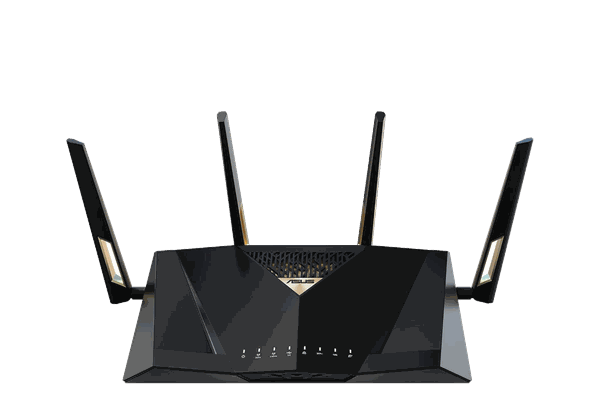
VPN Unlimited publishes an AsusWRT-Merlin OpenVPN setup, making the Merlin collection the cleanest ASUS match.
View option →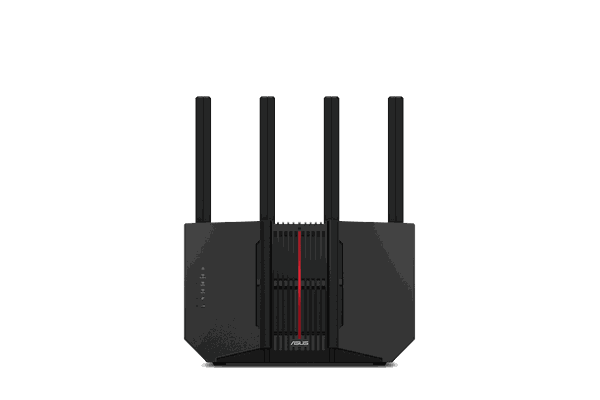
Choose current ASUS hardware when a compatible setup path is confirmed for the firmware you plan to run.
View option →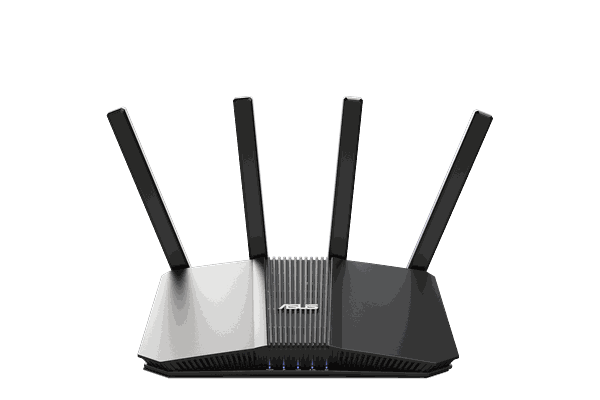
A more affordable Wi-Fi 7 starting point; confirm the intended VPN Unlimited setup before ordering.
View option →Choose the router based on coverage, performance, and the firmware that supports the VPN Unlimited setup you want.
On eligible products, choose “Configure my router for VPN” during checkout so the router can be prepared for the supported provider configuration.
Join the router’s Wi-Fi or Ethernet network. Devices assigned to the VPN route use the router-level connection without requiring an app on each device.
These are the differences worth understanding before choosing the router or configuration method.
VPN Unlimited documents WireGuard on OpenWrt, DD-WRT and GL.iNet routers.
VPN Unlimited also documents OpenVPN on OpenWrt, GL.iNet and AsusWRT-Merlin.
Do not assume one configuration method works across every router; select hardware around the provider’s documented firmware path.
We help pair the provider you use with a router and setup method that actually supports it.
Some routers need configuration only. Others benefit from Merlin, DD-WRT, or another supported firmware path.
Get help choosing compatible hardware, provider configuration, and the network setup that connects the two.
Yes. VPN Unlimited publishes WireGuard router guides for OpenWrt, DD-WRT and GL.iNet platforms.
Yes. Its documentation includes OpenVPN router setup for OpenWrt, GL.iNet and AsusWRT-Merlin among other platforms.
AsusWRT-Merlin is the clearest documented ASUS path in VPN Unlimited’s current manuals, so the Merlin collection is the safest starting point.
On eligible hardware, select “Configure my router for VPN” during checkout. The selected router and firmware determine which VPN Unlimited configuration can be used.
Yes. The router does not replace your VPN Unlimited service subscription.
Start with your home size, Wi-Fi needs, and the provider setup you want to use.
