

1
Choose the connection
Select an Astrill server and supported OpenVPN or RouterPro connection settings.
Start with a compatible ASUS Wi-Fi 7 router with AsusWRT-Merlin installed and tested. Add optional Astrill Router Applet configuration to manage VPN connections and route supported devices, websites, or Wi-Fi networks from the router.
Active Astrill VPN account required. Astrill service is sold separately. Router configuration adds a setup fee when selected.

The router does not include an Astrill subscription. Use an existing Astrill account or start Astrill separately, then choose the optional Router Applet setup when ordering an eligible FlashRouter.
Astrill VPN is purchased separately. Use an active Astrill account you already have before router configuration.
The Astrill Router Applet runs inside a compatible AsusWRT-Merlin router and gives you router-level connection and filtering controls.
Select an Astrill server and supported OpenVPN or RouterPro connection settings.

Route selected devices through Astrill while others use the regular Internet connection.

Where supported, apply different Astrill routing behavior to different wireless networks.
These current Merlin options can ship with AsusWRT-Merlin installed and tested. Select Configure my router for VPN during checkout for optional Astrill Router Applet preconfiguration.
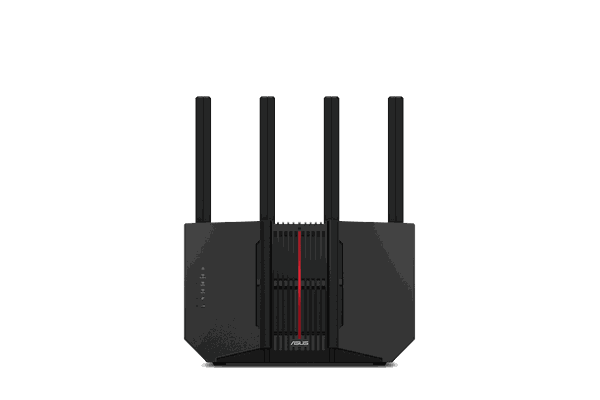
The strongest all-around Astrill choice here: modern tri-band Wi-Fi 7, 6 GHz connectivity, multi-gig Ethernet, and Merlin policy-routing controls.
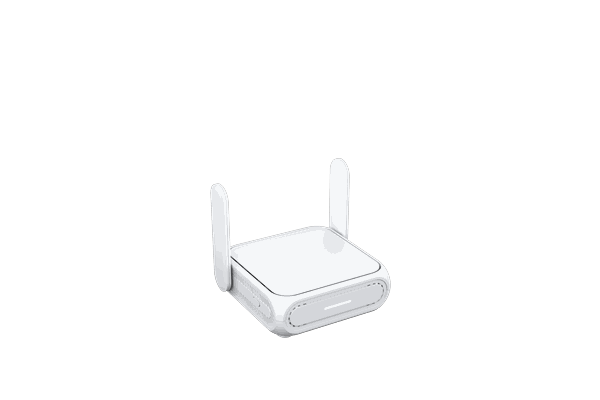
Compact Merlin hardware with WISP mode, USB-C power, USB tethering, and 2.5G WAN for travel and smaller spaces.
View RT-BE58 Go →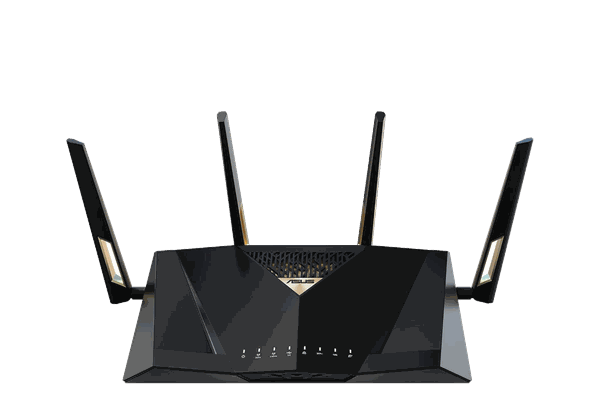
Built for wired-heavy networks with 10G RJ45, 10G SFP+, four 2.5G ports, and additional Gigabit LAN connectivity.
View RT-BE88U →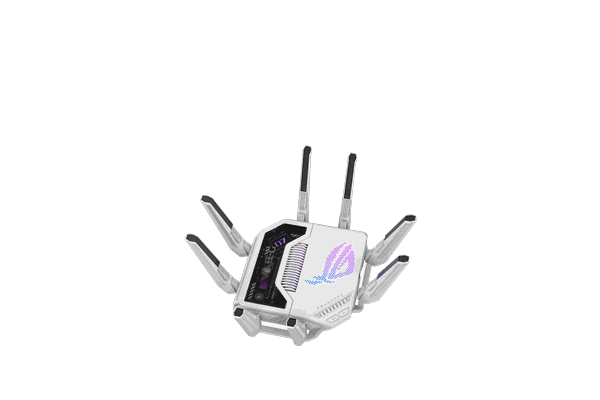
Flagship Merlin hardware with a 2.6 GHz quad-core processor, 4 GB RAM, dual 10G ports, and four 2.5G ports.
View GT-BE19000AI →Select a compatible ASUS model based on your Wi-Fi, wired-network, or travel needs.
Choose Configure my router for VPN during checkout.
Choose AstrillVPN (Router Applet for Merlin) and provide the required Astrill account details securely after ordering.
Flash My Router can install AsusWRT-Merlin on eligible customer-owned ASUS hardware. Confirm your exact model is supported before ordering, then add Astrill Router Applet setup if available for that configuration.
It is Astrill's router interface for compatible firmware. On AsusWRT-Merlin it can manage VPN connections and filter devices, sites, IP addresses, and supported Wi-Fi networks.
This page focuses on compatible ASUS models running AsusWRT-Merlin. FlashRouters' current Merlin product options identify Astrill Router Applet preconfiguration when supported.
Yes on eligible Merlin router orders. Choose Configure my router for VPN, select AstrillVPN (Router Applet for Merlin), and provide the required Astrill account information securely after checkout.
Yes. An active Astrill VPN membership is required. Astrill service is purchased separately unless an individual product offer explicitly says otherwise.
Yes. Astrill documents OpenVPN and RouterPro modes for its router applet. RouterPro availability depends on the features enabled on your Astrill account.
Yes. Astrill's device filter can send selected devices through the VPN while other devices use the normal Internet connection.
Possibly. Flash My Router supports eligible customer-owned ASUS models. Confirm compatibility before ordering the remote flashing service.
No VPN connection can be guaranteed in every network environment. Astrill describes RouterPro as an option designed for restrictive firewalls when RouterPro is available on the account.
Start with a current AsusWRT-Merlin FlashRouter, add optional Astrill configuration, and manage supported VPN routing from the router instead of depending on a separate app on every device.
