We use cookies to make your experience better. To comply with the new e-Privacy directive, we need to ask for your consent to set the cookies. Learn more.


Router Basics
What Is a VPN? Privacy, Security & Anonymity in One
A VPN encrypts your internet traffic and replaces your IP address with one in a location you choose. Run it on a router and every connected device can be protected from one central setup — including devices that can't run a VPN app.
15+ Years of Pre-Configured Routers · 50,000+ Routers Configured · US-Based Support · Official NordVPN Partner
The short version
- A VPN encrypts your internet traffic and replaces your IP address with one in a location you choose.
- Running a VPN on your router can protect every connected device from one central setup — including TVs and consoles that can't run a VPN app.
- Modern VPN routers often support selective routing, so you can choose which devices use the VPN and which stay on your regular connection.
- The two main protocols are WireGuard (fastest) and OpenVPN (most compatible); many FlashRouters support both.
Overview
The internet knows who you are. A VPN takes that back.
Almost everything we do — banking, streaming, working, messaging — runs over the internet, and every connection leaves a trail tied to your IP address. A Virtual Private Network (VPN) changes that.
Instead of connecting straight through your ISP, a VPN routes your traffic through an encrypted tunnel to a server you choose. That hides your real IP, encrypts your data so no one on the network can read it, and lets you appear in a different location entirely — useful for privacy and for reaching content from home while you travel.
You can run a VPN as an app on a single device, or build it into your router so your network can manage VPN protection centrally — often with per-device routing controls.
Your traffic travels through an encrypted tunnel and your real IP is replaced by the VPN server IP.
Why It Matters
What a VPN does for you
Three core protections, working the moment you connect.
Encrypts everything you send
Your data travels through an encrypted tunnel, so no one on your network — or watching it — can read your traffic, even on public Wi-Fi.
Hides your IP and changes your location
You appear at the VPN server's location instead of your own — for privacy, and to reach your home services and libraries while you're away.
Protects every device at the router
Run the VPN on your router and laptops, phones, TVs, consoles, and smart-home gear can all be covered — including devices that have no VPN app of their own.
Why a router
One connection covers your whole home
A FlashRouter builds VPN controls into your network, so streaming boxes, smart TVs, and game consoles that can't run a VPN app — Apple TV, Roku, Xbox, PlayStation — can be protected and routed by device. Set it once, then choose whether the whole network or only selected devices use the VPN.
Under the Hood
The two protocols that matter
Most modern VPN routers run one of two protocols. You don't have to choose blind — here's what each is built for.
Fast & modern
WireGuard
A lean, newer protocol built for speed and low latency. The best pick for streaming, gaming, and getting the most out of a fast connection.
Learn about WireGuard →Proven & compatible
OpenVPN
The long-standing open-source standard, trusted for its maturity and broad compatibility with nearly every VPN provider and platform.
Learn about OpenVPN →Both run on open-source router firmware like DD-WRT and AsusWRT-Merlin. Need a totally separate VPN Wi-Fi network or want to keep your existing router in place? See the dual router setup. For most modern setups, selective routing by device can accomplish the same goal without adding a second router.
Choose a Provider
Picking a VPN provider
A VPN is only as good as the service behind it. We're an official NordVPN partner and support many major VPN providers — pick the one that fits your priorities and we'll pre-configure it on your router before it ships.
Official PartnerNordVPNHuge server network with fast NordLynx (WireGuard) speeds.
ProtonVPNSwiss-based and privacy-first, with a strong no-logs stance.
MullvadAnonymous accounts and flat pricing — a privacy-purist favorite.
SurfsharkUnlimited devices on budget-friendly plans.
ExpressVPNEasy to use with a broad global server spread.
See all providers →Browse every VPN we support and compare them.
Privacy + Performance
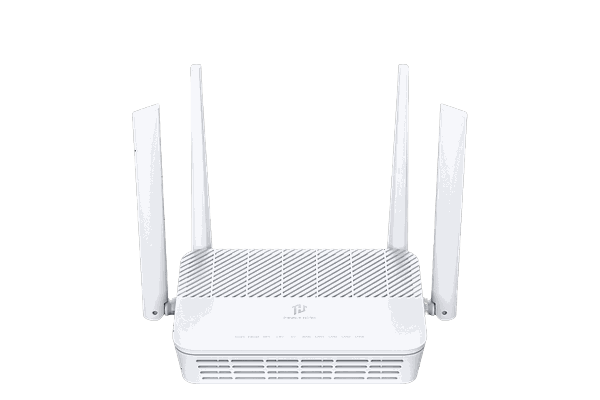
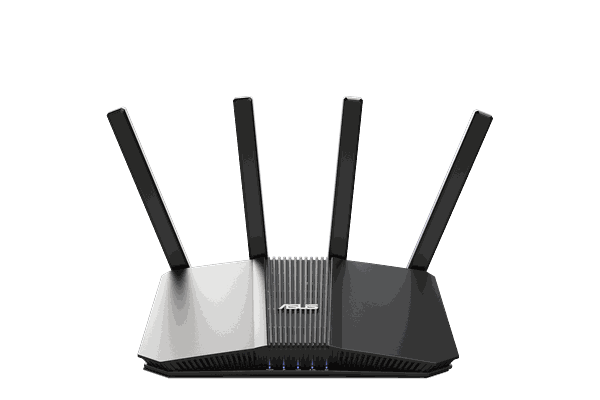
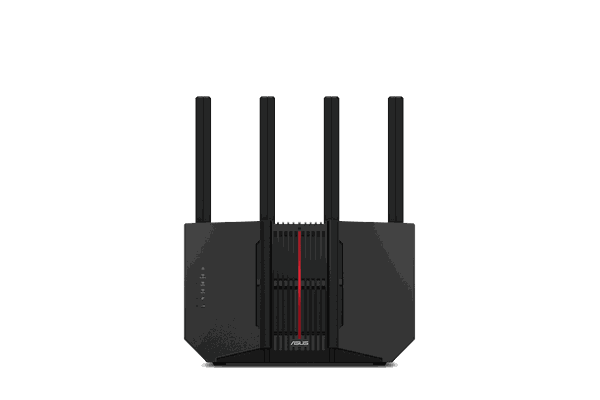
Best Wi-Fi routers for VPN protection
Pre-configured to protect every device the moment you plug in — or browse the full lineup of VPN routers.
Easiest setup
Privacy Hero 2
App-guided whole-home coverage with device groups, privacy controls, and streaming relocation features. Choose the Privacy Hero version for built-in simplicity, or the NordVPN bundle when you want VPN service included.
$149.99
Shop Now →Best value
ASUS RT-BE58U
Dual-band Wi-Fi 7 at a friendly price — pre-configured and ready to protect a typical home network without overspending.
$199.99
Shop Now →Most popular
ASUS RT-BE92U
Tri-band Wi-Fi 7 with per-device VPN routing — a strong all-rounder with headroom for a busy, device-packed home.
$249.99
Shop Now →
FAQ
VPN questions, answered
The basics most people want cleared up first.
What does a VPN actually do?
It encrypts your internet traffic and replaces your IP address with the VPN server's, so your data stays private and you appear in a location you choose.
Do I need a VPN router, or is an app enough?
An app protects one device. A VPN router lets you manage VPN protection from the router, including TVs, consoles, and smart-home gear that can't run a VPN app. Many modern setups also let you choose which devices use the VPN.
Will a VPN slow down my internet?
Encryption adds some overhead, but a capable router keeps it minimal. Choosing the faster WireGuard protocol helps preserve speed.
Which VPN protocol should I use?
Can I protect only some devices with a VPN router?
Yes. Many modern VPN routers support selective routing by device, so you can choose which phones, TVs, laptops, or streaming devices use the VPN and which stay on your regular internet connection. A dual router setup is still useful if you want a totally separate VPN Wi-Fi network, want to keep your existing router untouched, or prefer a simple “connect to this network for VPN” setup.
Ready to protect your whole network?
FlashRouters arrive pre-configured for your selected VPN provider or privacy setup, so you can protect the right devices from the moment you plug in.
Shop VPN Routers Take the Router Quiz
WHAT IS A VPN?
Privacy, security, & anonymity all in one.
SECURE YOUR NETWORK
An Introduction to VPN
The Internet has fully integrated itself into our lives. Whether we use the Internet for social media (like Facebook or Twitter), to communicate through Skype, to run and grow a business, to access entertainment and media, or simply to send e-mails; we have all established a virtual identity.
We take full measures to protect our personal identities, information, and belongings in our home, but the Internet has grown so rapidly that we often do not have time to learn about how to protect this virtual identity.
How Can We Protect Ourselves from Online Threats?
With a Virtual Private Network (VPN) provider, you have full control over your Internet presence. Instead of connecting to the Internet directly through your regular ISP or Wi-Fi hotspot, all of your network traffic is rerouted through a VPN server. This privacy tunnel encrypts your data flow and provides you with a different IP address in the location of your choosing. This extra layer of encryption offered by a VPN provider is all you need to maintain a constant online security system. You can login to your VPN account through your cellphone, laptop, iPad, and more, from nearly anywhere there is access to Internet or Wi-Fi.

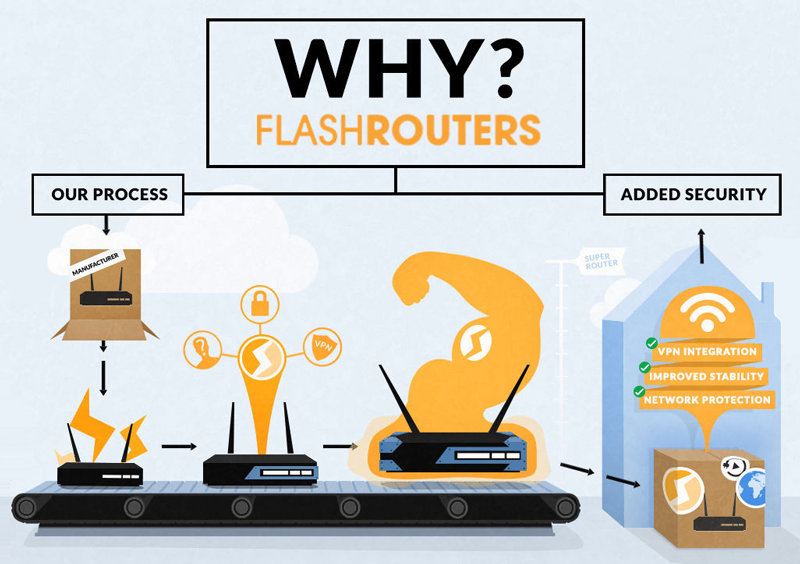
How does a FlashRouter enhance using VPN service?
At FlashRouters, we know there is more than one computer connected to the Internet in your home or small office network. That is why a FlashRouter with an internal VPN connection to encrypt all network traffic should be used for ANY and all connected devices. If a device has a wireless or wired connection, all data will be tunneled through your FlashRouter VPN connection.
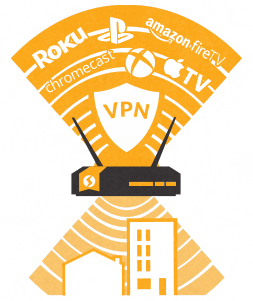
Using a FlashRouter, VPN capabilities are built into the router using the most popular VPN protocols; OpenVPN & Wireguard. You can even encrypt the connections of streaming HD video or media device that do not have native VPN support. Encrypt the connection of your Apple TV, Smart HDTV, Roku, Boxee Box, iPad, iPhone, as well as laptops and gaming consoles (Xbox, Nintendo Wii, Sony Playstation), all with the help of a FlashRouter. Browse websites safely and securely stream movies, TV shows, music, and other media, because your FlashRouter-based Internet connection makes it possible.
PRIVACY + PERFORMANCE
Best WiFi Routers for VPN Protection
-
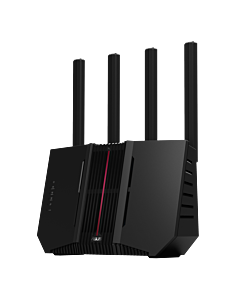 Asus RT-BE92U BE9700 Tri-Band WiFi 7 AsusWRT FlashRouterSpecial Price $299.99 Regular Price $329.99
 -
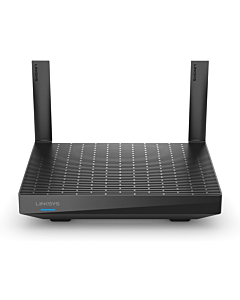 Linksys MR7350 AX1800 Dual-Band WiFi 6 DD-WRT FlashRouterSpecial Price $119.99 Regular Price $149.99
 -
 Asus RT-BE58U BE3600 Dual-Band WiFi 7 AsusWRT FlashRouterSpecial Price $199.99 Regular Price $349.99
 -
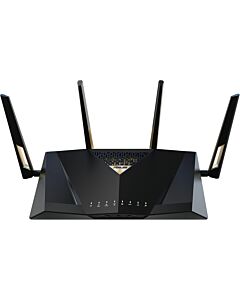 Asus RT-BE88U BE7200 Dual-Band WiFi 7 AsusWRT FlashRouterSpecial Price $329.99 Regular Price $499.99
WHY A VPN ROUTER?
1
GET A VPN CONNECTION ON ALL YOUR DEVICES
Even devices that don't support VPN
2
EASE OF SETTING UP JUST ONE VPN CONNECTION
For an entire home or office!
