We use cookies to make your experience better. To comply with the new e-Privacy directive, we need to ask for your consent to set the cookies. Learn more.


Search results for: 'accessing netge'
- Related search terms
- Netgear R6400 DD-WRT RouteRs same
- netgear nighthawk r7800 x4s ac2600 dd wrt routers
- Netgear R6400 DD-WRT RouteRs
- Netgear+start+router'
- NETGEAR Nighthawk X6S Smart Wi-Fi Router (R8000P) compatible with flashrouter
- Support Articles
- Sales FAQs
-
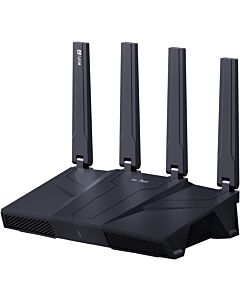 GL.iNET Flint 3 GL-BE9300 Tri Band WiFi 7 OpenWRT FlashRouterSpecial Price $269.99 Regular Price $329.99
 -
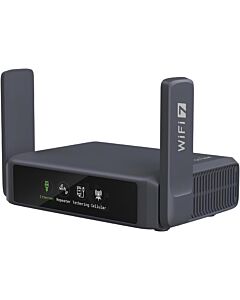 GL.iNET Slate 7 - GL-BE3600 WiFi 7 Touchscreen OpenWRT Travel FlashRouterSpecial Price $239.99 Regular Price $299.99
 -
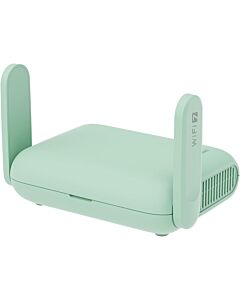 GL.iNet Beryl 7 – WiFi 7 Travel FlashRouter with VPNSpecial Price $199.99 Regular Price $279.99
Support Articles
Blog Articles
-
 What Is a Wireless Router? Understanding the Basics (FlashRouters FAQ)
[vc_row][vc_column][vc_column_text css=””] What is a Wireless Router? In today’s fast-paced and highly connected world, having a reliable internet connection has become more important than ever before. To make the most of your online experience, you need a WiFi device that can keep up with your demands. Wireless routers have become the key gateway to accessing internet connectivity. A WiFi router is a type of networking device that allows you to connect to the internet. It enables multiple devices, such as...
-
 What are the Top Wi-Fi Routers for Your Microsoft Surface Running Windows 10?
Wondering what the best Routers for getting work done with Microsoft Surface are? This guide helps you choose from the most popular.
-
 WPS Router Flaw Information & How to Fix It. Another Reason to Switch to DD-WRT?
What is WPS? WPS stands for Wi-Fi Protected Setup. It is a computing standard developed by the Wi-Fi Alliance in 2007 to establish a simple setup for secure wireless home network. The WPS standard requires a PIN to be used during the router setup phase, one that is often printed on the wireless router or access point. Why is WPS a problem? It sounds simple and easy; use a PIN to connect to your wireless instead of a weird string...
